Join as a courier
Register in the app, verify your account and receive jobs on your phone.
What you need
- A smartphone and a phone number of your own: one number per account.
- A vehicle for deliveries.
- A valid driving licence.
- The five documents below.
Documents and verification
National ID or passport
Choose the ID type and type its number.
Driving licence
The licence number and expiry date. An expired licence is refused.
Vehicle registration
The plate number, checked against the vehicle at activation.
Vehicle photo
A photo only.
Your photo
A selfie, compared with the ID photo.
The Zadi GO team checks every document by hand. If a document is refused, you see the reason so you can fix it. Afterwards the app shows only the last four characters of each number.
How sign-up works
Download the app and sign in
With your phone number and a code sent by SMS.
Upload your documents
The five documents, with their numbers.
Review
The Zadi GO team checks your documents by hand.
Activation
The team sets your vehicle type and work zone. Your account becomes active and you can take orders.
Sign-up happens in the app only.
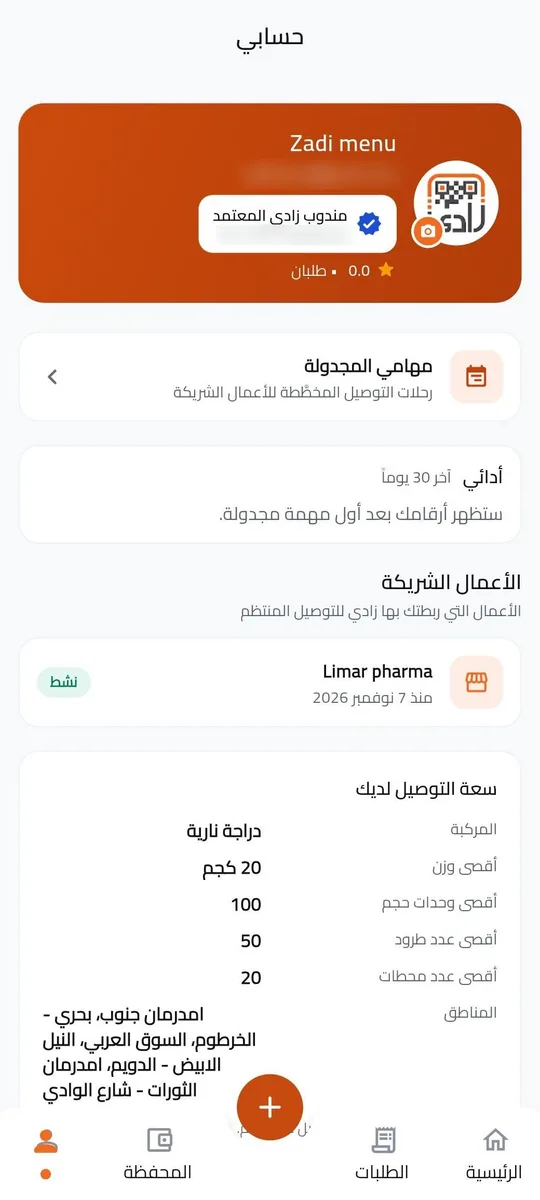
Zadi Verified Courier
Once you are active, Zadi GO may verify you for the scheduled fleet. You get the "Zadi Verified Courier" badge and a fixed courier code, and you are linked to partner businesses that send you planned scheduled tasks with a known load. You can still take Express orders.
Wallet and cash hand-in
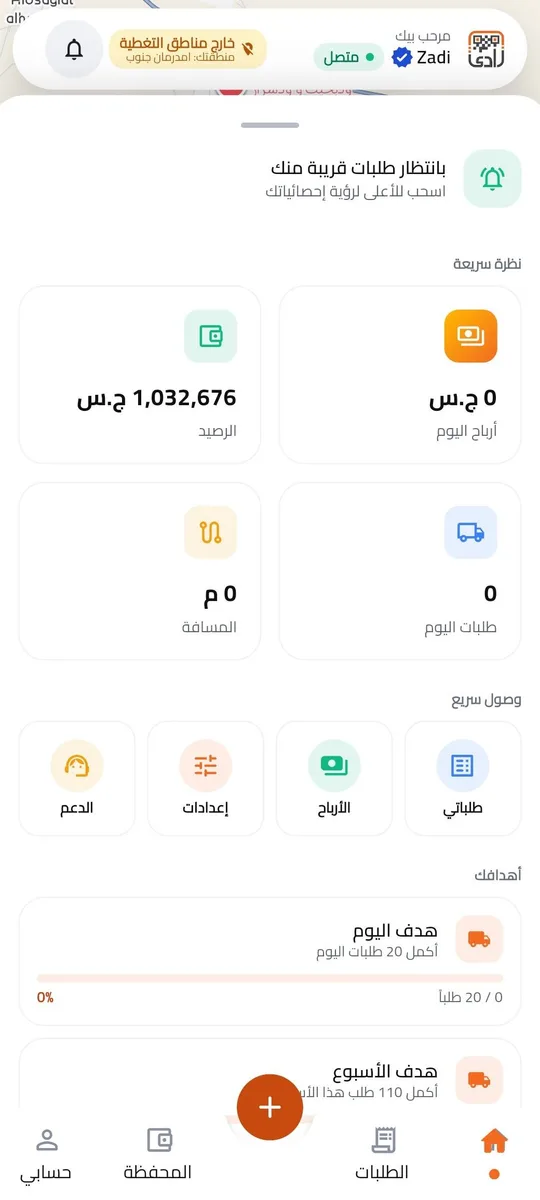
- Your earnings are added to your wallet when each order is delivered. Zadi GO sets your share of the delivery fee for each area.
- You withdraw from the wallet to your bank account, protected by a wallet PIN.
- You collect only the delivery fee, and only when the recipient pays it. Never the price of goods. The app shows the exact amount to collect.
- After your shift you hand in the cash at the Zadi GO office: net, keeping your earnings, or gross, handing in all of it.
Safety
- Safety tips in the app: before you set off and when you pick up an order.
- An SOS button on the map.
- Report a problem during a trip: a breakdown, an accident, or when you cannot continue.
- Working offline: your steps and photos are saved on the phone and sent when the connection is back.
Express pauses before scheduled tasks
From 45 minutes before the pickup time of your confirmed scheduled task (by default), you get no new Express offers, so you can start on time. Before that, the app warns you if you accept an Express order less than an hour before your task.
Inside the app
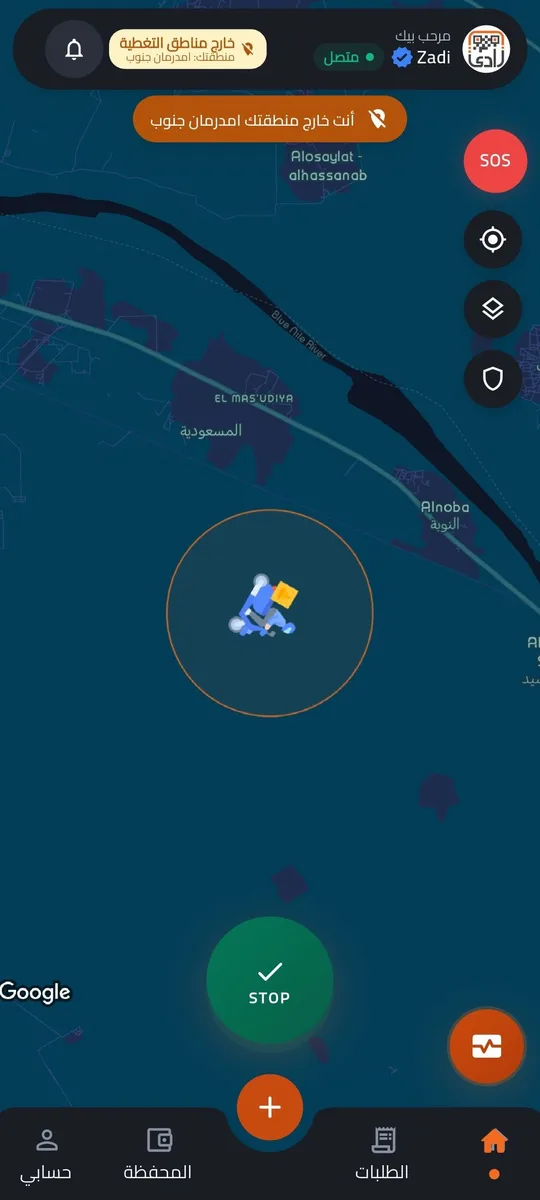
The home map
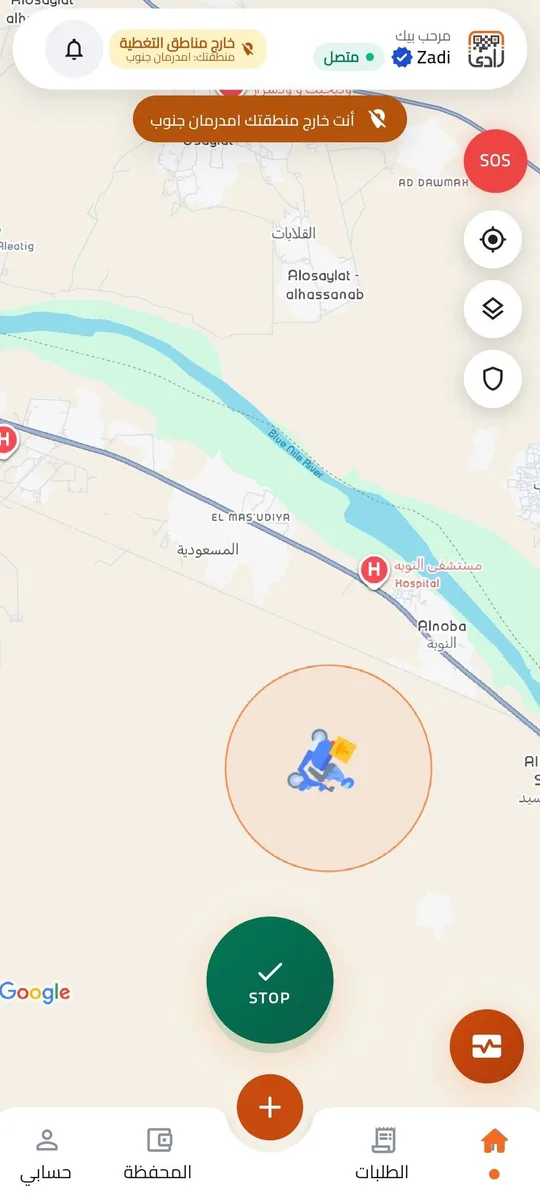
See where you are and follow your trip on the map, with the SOS button always in reach.
My orders
All your orders in one list: completed, failed and cancelled, with the distance and what you earned on each.
Wallet
Your earnings are added to the wallet when each order is delivered, and you withdraw them to your bank account with a PIN.
Safety tips
Tips before you set off and when you pick up an order, and a way to report a problem during a trip.
Get the Zadi GO app
Available on Google Play, and coming soon to the App Store.
You can delete your account in the app: My account → Delete account. How to delete your account